
Watch guide
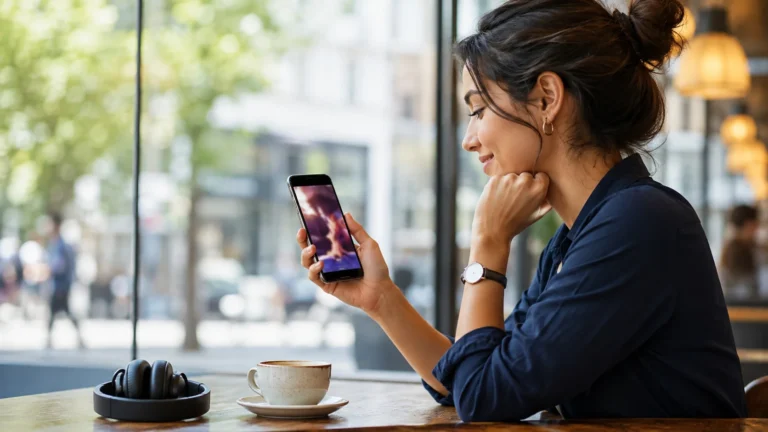
Vertical short dramas were built for phones first, so watching one on your phone is about as simple as it gets. Here is the fastest way to get from a standing start to your first episode, plus a few tips that make the experience smoother once you are hooked.
Option 1: Watch in the Browser
Open ReelShort directly in your phone’s browser. The site is built to work on mobile without an app, so you can start watching immediately — no download, no account required to try the first episodes.
Option 2: Download the App
For the full catalogue, offline-friendly playback, and daily free perks, install the official app from the Apple App Store (iOS) or Google Play Store (Android). Avoid third-party download links outside these two stores — sticking to the official stores is the safest way to install any streaming app.
- Open the App Store (iPhone) or Google Play Store (Android) and search for “ReelShort.”
- Install the app and open it — you can start watching as a guest right away.
- Search for the title you want, or browse the trending shelf on the home screen.
- Create a free account only if you want your progress saved across devices; it is not required to watch.
Tips for a Smoother Experience
Playback adjusts automatically to your connection, so you can watch over Wi-Fi at home and switch to mobile data on the go without losing your place. If an episode buffers, closing and reopening the app usually clears it up.
Common Playback Issues
Most phone playback problems come down to one of three things: a weak connection, an outdated app version, or a browser blocking autoplay. Switching from Wi-Fi to mobile data (or back), updating the app from your store, or reloading the page usually resolves it within a few seconds.
Takes you to the App Store or Google Play to get the official ReelShort app.
More Watch Guides
← Back to the Drama Shorts hub
🔒 This page may include affiliate links. BluffGuard may earn a commission if you sign up through them, at no extra cost to you.
